
v10 · Online Together
The Story Behind This Version
Version 9 was about structure. I gave users workspaces — independent environments for every area of their life. And they loved it. But almost immediately, the same question kept coming back: "Can I share this?" "Can I work with my team on this project?" "Can my colleagues see my notes?"
At first, I thought collaboration was a nice‑to‑have. But I listened to my users — the productivity‑focused people who ship, who work in teams, who build things together. They didn't just want a personal tool. They wanted a team tool. They wanted to share their work, to get feedback, to collaborate in real time.
So I went back to the drawing board. The foundation was already there — workspaces were perfectly scoped for teams. I just needed to open them up. I built workspace members, invitations, and real‑time group chat. I made it possible to share any note or page publicly with just a link — no account needed. I created a community feed where users can discover public content from the Paxalia community.
But I also knew that collaboration meant more than just sharing. It meant staying in sync. So I built Events and Alarms to keep teams organised. I built a Notification Center to bring everything together. I redesigned the entire homepage to showcase what Paxalia had become. I hardened security with strict CSP, 2FA, device management, and nh3 sanitization so teams could collaborate safely. And I made the app speak 7 languages because teams are global.
This was the moment Paxalia became more than a personal tool. It became a platform. A place where people work together, share their ideas, and build amazing things — all in one place.
New in this release
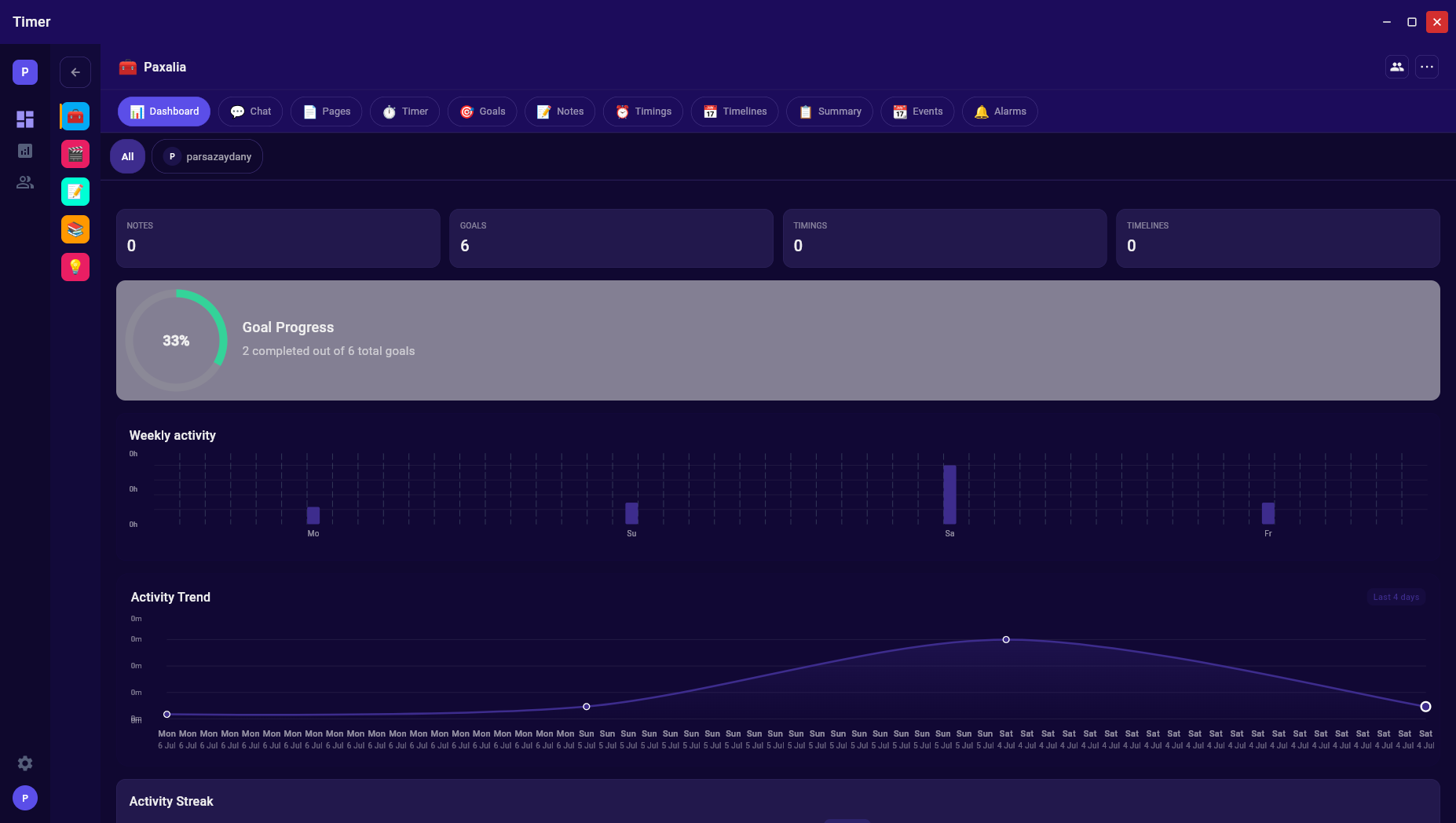
- Workspace Collaboration — invite members, manage roles (Owner / Member), real‑time group chat with full message history
- Public Sharing — make any note or page public and share via a unique link — no account needed to view
- Community Feed — browse public notes and pages from the Paxalia community with filtering
- Events — recurring events with reminders (Daily, Weekly, Monthly, Custom)
- Alarms — custom alarms with snooze, vibrate, and ringtone support
- Notification Center — all notifications in one place, mark as read or clear history
- Completely Redesigned Homepage — 3D interactive stage, workspace cards, and nine features section
- Security Hardening — strict CSP, 2FA, device management, nh3 sanitization