
v9 · Workspace Centric Architecture
The Story Behind This Version
Looking back, the biggest problem with Paxalia wasn't that the features were missing. It was that users couldn't find them. The app was date‑driven — you picked a day, and everything lived there. But when I watched how people actually worked, I realised something important: nobody organises their life by dates. We organise by areas. Work. Personal. Finance. Learning. Side projects. Relationships.
The app was beautiful, but it wasn't intuitive. Users would open it and feel lost. They knew the tools were there, but they couldn't find them. And if they couldn't find them, they couldn't use them.
So I took a step back. A long one. I asked myself: what if I built the app around the way people actually think? What if every area of your life had its own space — with its own timer, notes, goals, and everything else you need? No more scrolling through endless dates. No more searching for where you put something. Just your workspaces. Your life, organised the way you live it.
That was the moment Paxalia became something bigger than just a tool. It became a way to structure your life. I rebuilt the entire app from the ground up. The UI was completely polished — not just for beauty, but for clarity. Everything is now exactly where users expect it to be. No more confusion. No more feeling lost. Just workspaces that feel like home.
This was the foundation. The moment Paxalia became truly useful. And it set the stage for everything that came after — because once you have workspaces, you can share them. You can collaborate. You can bring people in. Version 9 made the app usable. Version 10 would make it social.
New in this release
- Workspaces — independent environments for every area of life with custom icons and colours
- Professional Dashboard — complete visibility with goal progress, weekly activity, activity trends, and streak tracking
- Rich‑text Notes — full Quill editor with fonts, colours, templates, and export
- Goals — milestone tracking with visual progress bars
- Timer — independent per workspace with today‑only history
- Desktop Sidebar — with workspace mini‑list and global title bar
- Mobile Navigation — Telegram‑style floating bottom navigation
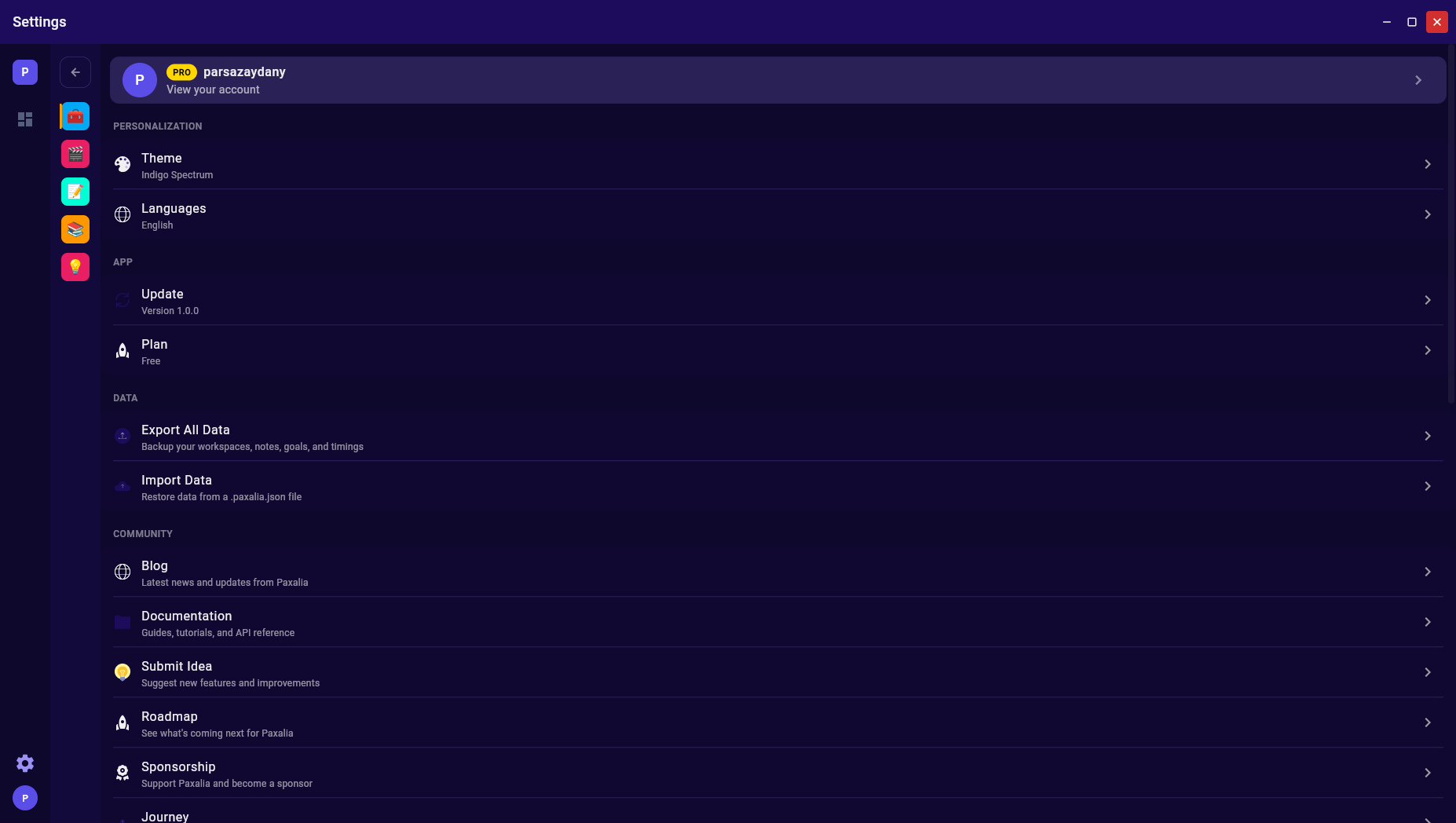
- Settings — export, import, blog, documentation, submit idea, roadmap, sponsorship, journey, donate